
- Services
- Services
-
- Hire a Team
-
- Industry
- Company
- Company
-
- Case Study

Most of your shoppers already browse on their phones. They scroll, compare, and add items to carts from the couch, the train, and the queue at the shop. If your store feels slow or clumsy on mobile, they leave.
That is why many growing brands now build an eCommerce mobile app. A good app loads fast, remembers customers, and brings them back with useful alerts. This guide walks you through the full process, from goals to launch. Non-technical owners get plain-language advice, and developers get technical notes. As a result, your whole team can plan with confidence.
Quick answer: To build an eCommerce mobile app, set clear goals first. Then choose an app type, connect it to your store through APIs, build a focused set of features, test thoroughly, and publish on the App Store and Google Play. Start with a small first version, then improve it with real customer data.
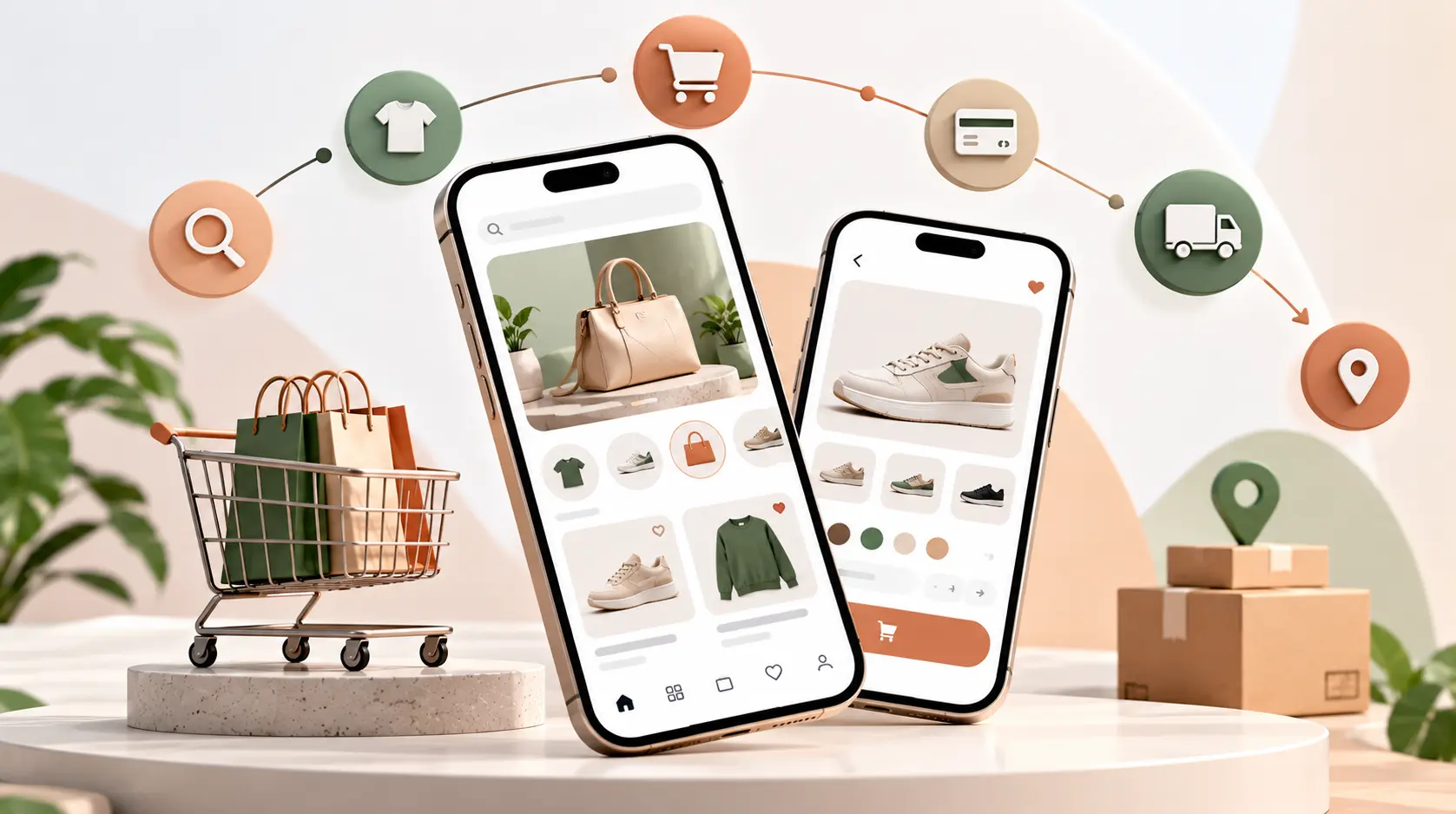
An eCommerce mobile app is a shopping app that customers install on their phones. It connects to your online store, so shoppers can browse products, pay, and track orders. It can also send push notifications about sales and shipping.
In simple terms, your website is a shop window people walk past. Your app is a loyalty card in their pocket. It keeps your brand one tap away.
An app does not replace your website. Instead, it works alongside it. Both share the same products, prices, and orders through your backend.
Learn more about AssaptR’s Mobile App development services.
Mobile now drives most online shopping. One 2026 benchmark report says mobile accounts for about 73% of ecommerce traffic and 60% of ecommerce revenue worldwide. ampifyme
However, mobile websites often convert poorly. The same report puts average mobile conversion at 1.9%, compared with 3.7% on desktop. Apps can close part of that gap. Industry reports say apps convert at roughly three times the rate of mobile websites. Moreover, 54% of mobile transactions already happen inside apps, according to Criteo data. Mobile Commerce Statistics Every Shopify Merchant Must Know (2026) +2
Treat these figures with care, because many come from app vendors. Even so, the direction is clear. Loyal, repeat customers tend to prefer apps.
An app makes the most sense when you have repeat buyers, a growing catalog, or strong mobile traffic. If you sell once-a-year items, a fast mobile website may be enough for now.
You have three main paths. Each suits a different stage of growth.
| Option | What it is | Best for | Main limit |
|---|---|---|---|
| Mobile website | Your store, tuned for phones | Every store, as a baseline | Hard to re-engage visitors |
| Progressive web app (PWA) | A web app that behaves like an app | Fast, low-cost improvement | Fewer device features |
| Native or cross-platform app | An app installed from the stores | Repeat buyers and loyalty programs | Higher cost and upkeep |
Start with a strong mobile site. Then add an app when your repeat customers justify it. Our eCommerce web design services can help you tune your mobile experience first.
Every good app starts with a goal. Without one, you cannot judge success.
For business owners: Pick one to three goals, such as:
For technical leads: Turn each goal into a number. For example, aim for a 25% repeat purchase rate among app users, or a 4% app conversion rate within six months.
Then record your current website numbers. You need a baseline to prove the app works. Our conversion rate optimization services can help you measure it.
Your app type drives your budget and timeline. Here are the main options.
Native apps use Swift for iOS and Kotlin for Android. They give the best access to device features. However, you build and maintain two separate apps. That roughly doubles build and maintenance costs compared with one shared codebase.
Flutter and React Native let one team build for both iOS and Android. Cross-platform frameworks are widely treated as the default for business apps in 2026, and they cut costs by about 30 to 40 percent versus building twice. For most online stores, this is the smartest choice
Some platforms offer app builders that plug into Shopify, WooCommerce, or Magento. They launch quickly and cost less up front. In return, you get less control over design and features. They suit small stores that want to test demand first.
A PWA runs in the browser but can be saved to the home screen. It is cheap and quick. Nevertheless, it lacks some native features, and it does not appear in the app stores.
An eCommerce app is only the front layer. Your store’s backend does the real work. It manages products, stock, carts, and orders.
For business owners: Ask your developer which platform APIs the app will use. A good plan connects the app to your existing store, so you manage products in one place.
For technical leads: Most stores connect through APIs:
Here is a simple example of an app fetching products in React Native:
const res = await fetch("https://api.yourstore.com/products?limit=20");
const products = await res.json();
Keep your API fast and cached. Slow endpoints make the app feel slow, no matter how nice the design looks.
If your backend needs work, read our guides on choosing a backend development company and Node.js vs Python for backend development. For web front ends that share logic with your app, see our Next.js development services.
Do not build everything at once. A focused first version launches faster and teaches you more.
Keep AI in mind for the future. One 2026 cost guide says AI features can add 20 to 50 percent to a base eCommerce app budget. Our AI and ML services can help you add them at the right time.
Mobile design is not a shrunken website. People hold phones in one hand, so every tap must be easy.
Follow these design rules:
Test your design with real shoppers before development starts. Clickable prototypes in Figma are cheap and reveal confusing screens early.
Ask each vendor how they plan and test upgrades. A planned upgrade is calm. An emergency upgrade is expensive.
Security Practices
Look for these habits:
Finally, confirm that your contract names you as owner of the code, data, and hosting accounts.
Your app must stay in sync with the rest of your business. Otherwise, customers see wrong prices or buy items that are out of stock.
Plan these connections:
Protect customer data from day one. Use HTTPS everywhere, tokenize card data through your payment provider, and never store raw card numbers. In addition, apply secure login, rate limits, and regular security checks.
On payment rules, note that Apple generally lets stores selling physical goods use their own payment processors. Digital goods follow different rules, so always check the current guidelines.
Testing protects your reputation. A buggy app earns bad reviews fast.
Cover these test types:
Use beta tools such as TestFlight for iOS and internal testing tracks for Android. Moreover, automate regression tests so new features do not break old ones.
Publishing has its own rules. Reviewers can reject apps for avoidable mistakes.
Apple App Store
Apple’s guideline 4.2 targets thin apps. It says an app should include features, content, and UI that go beyond a repackaged website. Guidelines 4.2 and 4.3 cause the rejections that hit new apps hardest in 2026. Therefore, add real native features, such as push notifications, wishlists, Apple Pay, and biometric login.
Also remember two common requirements. Apps that let people create accounts must offer account deletion inside the app. In addition, you must complete privacy details accurately.
Google Play
On Google Play, the biggest trap is a Data Safety form that does not match your privacy policy. Unjustified permissions and the target API level rule, which requires Android 16 or API 36 by August 31, 2026, come next. Ask your developer to confirm the current target level before you submit.
Allow extra time for review. A rejected app that needs resubmission can add days or weeks.
Publishing is the start, not the finish. Plan your launch to drive downloads.
Push notifications are powerful when used with care. One benchmark report says push notification open rates run 45 to 65 percent, compared with 18 to 22 percent for email. Still, too many alerts cause uninstalls. Send cart reminders, back-in-stock alerts, and order updates first. Then add offers based on behavior.
Watch these metrics every week:
For web traffic, pair your app with strong eCommerce SEO services. You can also learn how to optimize product pages for AI shopping recommendations, which lifts discovery across both web and app.
Costs vary widely. Scope, platform, design, and integrations drive the price.
One 2026 guide estimates a simple MVP app at $8,000 to $25,000, a mid-complexity app with backend and payments at $25,000 to $60,000, and complex products at $60,000 to $150,000 or more. Meanwhile, another guide puts a basic eCommerce app at $25,000 to $50,000 and an advanced one at $120,000 to $300,000 or more. These ranges differ because vendors define “basic” and “advanced” differently
| Approach | Typical budget | Typical timeline |
|---|---|---|
| No-code app builder | Monthly subscription | Days to weeks |
| Cross-platform MVP | Lower end of custom ranges | About 6 to 10 weeks |
| Custom cross-platform app | Mid-range | About 3 to 5 months |
| Dual native or enterprise app | Highest range | Longer |
The same source estimates six to ten weeks for an MVP and three to five months for a typical business app.
Remember ongoing costs. One guide advises budgeting 15 to 20 percent of the build cost each year for maintenance. Add hosting, push services, and app store fees too. To reduce costs, consider an experienced offshore team. Our guide to offshore software development explains how.
The same source estimates six to ten weeks for an MVP and three to five months for a typical business app.
Remember ongoing costs. One guide advises budgeting 15 to 20 percent of the build cost each year for maintenance. Add hosting, push services, and app store fees too. To reduce costs, consider an experienced offshore team. Our guide to offshore software development explains how.
Many stores repeat the same errors. Avoid these.
A simple MVP can take six to ten weeks. A typical business app takes three to five months. Complex apps with many integrations take longer.
Most custom cross-platform apps cost between $25,000 and $60,000, though ranges vary widely. Advanced apps with AI and deep integrations can cost far more.
Yes. Both platforms offer APIs that apps can use. You can use a no-code builder for speed or a custom app for control. See our Shopify development services and WordPress development services for help.
Both work well. React Native suits teams that already use JavaScript and React. Flutter suits teams that want highly consistent custom designs. If you are weighing front-end options, read our guide on React vs Vue.
Not always. A fast mobile site may be enough at first. An app pays off when you have repeat buyers and want loyalty, push alerts, and faster checkout.
It depends on your size and needs. Compare options in our guide to Shopify vs WooCommerce. Larger catalogs may suit Magento, so also see how to choose a Magento development company.
Building an eCommerce mobile app is a smart move when your customers shop often and your mobile traffic is strong. Set clear goals, pick the right app type, and connect it cleanly to your store. Then launch a focused first version, measure results, and improve.
A great app does more than display products. It makes buying faster, builds loyalty, and gives your brand a permanent place on the customer’s phone.
AssaptR builds scalable eCommerce experiences for growing brands. Explore our custom web development services, see our work for retail businesses, contact our team, or schedule a free call to plan your app.
Neha is a web technology enthusiast and content contributor at AssaptR, specializing in software development, custom web solutions, eCommerce, and digital marketing. Her articles focus on the latest industry trends, best practices, and actionable strategies that help businesses build secure, scalable, and high-performing digital products.
2. What Is an eCommerce Mobile App?
3. Do You Need an eCommerce Mobile App?
4. Mobile App vs Mobile Website vs PWA
5. Set Clear Goals and Success Metrics
7. Tech Stack and Backend Requirements
8. Must-Have Features for Your eCommerce Mobile App
9. Design Tips for Mobile Shoppers
10. Payments, Inventory, and Integrations
12. How to Test Your App Before Launch
13. Publishing on the App Store and Google Play
14. Launch, Promote, and Measure Your App
15. How Much Does It Cost to Build an eCommerce Mobile App?
WhatsApp us