
- Services
- Services
-
- Hire a Team
-
- Industry
- Company
- Company
-
- Case Study

Choosing between Shopify vs WooCommerce is one of the biggest decisions a growing store makes. Your platform shapes your costs, your hiring needs, and how fast you can launch new ideas.
This guide breaks the choice down in plain language. First, non-technical founders get clear takeaways. Next, technical teams get the details that matter at scale. As a result, you will know which platform fits your stage.
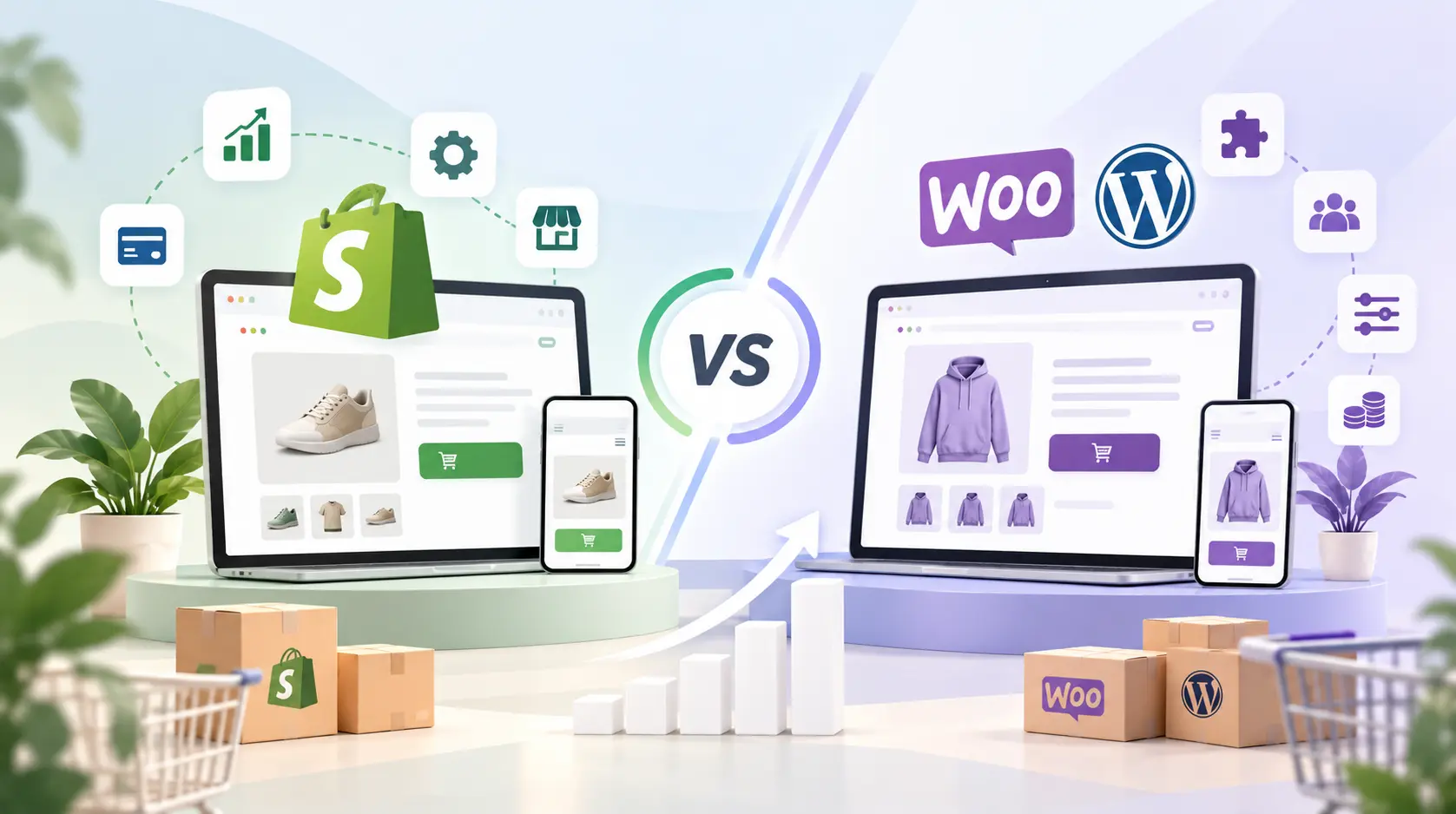
Here is the short version. Shopify suits teams that want speed, simplicity, and predictable upkeep. WooCommerce suits teams that want full control, strong content marketing, and custom logic.
Neither platform wins every time. However, each one wins in specific situations:
The rest of this article explains why. You can also jump to the decision steps near the end.
Learn more about AssaptR’s Shopify development services.
Shopify is a hosted platform. You pay a monthly fee, and Shopify handles hosting, security updates, and checkout. Meanwhile, you manage products, design, and marketing.
WooCommerce works differently. It is a free plugin that turns a WordPress site into an online store. Because of this, you choose your own hosting. You also manage updates yourself, or you hire someone to do it.
In plain terms, Shopify is like renting a fully equipped shop in a managed mall. WooCommerce, on the other hand, is like buying land and building your own shop. The second option gives you more freedom. However, it also gives you more responsibility.
Cost is where most owners start. It is also where most owners get surprised, because the sticker price rarely tells the full story.
Shopify charges a monthly plan fee. The Grow plan costs $105 per month, or $79 on annual billing. Advanced costs $399, or $299 annually. Plus starts at $2,300 per month on standard three-year agreements. Basic costs $39 per month, or $29 when billed yearly. stackinfluencetechradar
Card fees come on top of the plan fee. In the United States, Shopify Payments charges 2.9% plus 30 cents on Basic, 2.7% on Grow, and 2.5% on Advanced. stackinfluence
Pay attention to the third-party gateway surcharge. If you use an outside payment provider, Shopify adds 2% on Basic, 1% on Grow, 0.6% on Advanced, or 0.2% on Plus. For example, a store on Grow that sells $50,000 a month through an outside gateway pays about $500 extra each month.
WooCommerce itself costs nothing. It is open source, with no revenue share or platform fee. However, a live store still needs several paid items. eseospace
It depends on your size. Shopify costs more up front but stays predictable. WooCommerce can cost less per sale because it adds no platform surcharge. In return, you pay for hosting, upkeep, and developer time.
As a result, small stores often save money with Shopify. Larger stores with in-house technical help often save money with WooCommerce.
Every store has different requirements. Therefore, your development partner should recommend solutions based on your goals rather than adding unnecessary features.
For example, you may need custom product options, shipping integrations, or automated inventory updates. The team should explain how these features will work and what they will cost.
In addition, ask about testing, security, and future maintenance. A good technical solution should be practical to manage after launch.
Shopify is the easier tool to learn. You sign up, pick a theme, add products, and start selling. There is no server to set up and no plugin conflict to debug.
WooCommerce takes more effort. First, you install WordPress. Next, you add WooCommerce and configure hosting, caching, and security. Many owners then bring in a partner for the build.
That said, WooCommerce feels natural if your team already uses WordPress. The editor, media library, and publishing tools work the same way. If you want expert help, our WordPress development services cover store builds, speed work, and ongoing care.
WooCommerce is open source, so developers can change almost anything. For example, you can edit checkout logic, build custom product types, and connect any database or API. Because you control the server, you also control the stack.
Shopify offers a different kind of flexibility. Developers work with Liquid themes, the Storefront API, and Shopify apps. However, checkout customization is more limited, especially on lower plans. In return, the platform stays stable and consistent.
In short, WooCommerce gives you more freedom to build, while Shopify gives you more guardrails. Overall, both paths work well with the right team. If you lean toward Shopify, our Shopify development services cover custom themes, apps, and integrations.
Growth tests every platform. For instance, traffic spikes, larger catalogs, and more orders all add pressure.
Shopify handles most of that pressure for you. Hosting, uptime, and checkout capacity belong to the platform. Therefore, a flash sale rarely requires emergency server work.
WooCommerce scales too, but you must plan for it. Performance depends on your hosting, database, caching, and plugin choices. A well-built store can handle heavy traffic. In contrast, a poorly built one slows down quickly.
Finally, some businesses outgrow both options. Very large catalogs with complex rules sometimes suit Magento development services better.
Search traffic is one of the cheapest ways to grow. So SEO should weigh heavily in your decision.
WooCommerce has a clear edge for content. It runs on WordPress, which is built for blogging and flexible URL structures. Plugins like Yoast give you detailed control over titles, schema, and sitemaps.
Shopify has solid SEO basics. It creates sitemaps, supports clean metadata, and loads quickly. However, its blog tools are simpler, and its URL structure is more fixed. Many stores add apps to fill the gaps.
Either platform can rank well. Rankings depend more on strategy than on software. Our eCommerce SEO services help stores on both platforms improve product pages, category pages, and technical health.
Checkout decides whether a visitor becomes a customer. Even small friction costs sales.
Shopify’s checkout is known for speed and reliability. It supports one-click wallets and saved customer details out of the box. Consequently, many stores see strong checkout completion with little tuning.
WooCommerce gives you more control over each step. You can rebuild the flow, add fields, or change the logic. The trade-off is that you must test and maintain it yourself.
Cart abandonment affects both platforms. If you run WooCommerce, our guide on how to reduce cart abandonment in WooCommerce offers 12 practical fixes. For either platform, conversion rate optimization services can turn more visitors into buyers.
Security is a shared job on every platform. The real question is who does what.
With Shopify, the platform manages server security, patches, and PCI compliance. You still need strong passwords and careful app choices. Overall, the workload is light.
With WooCommerce, you manage updates for WordPress, WooCommerce, themes, and plugins. In addition, you handle backups, firewalls, and malware scans. Skipped updates are a common cause of hacked stores.
Therefore, WooCommerce works best when someone owns maintenance. That person can be an employee or a support partner.
I softened the “most common cause of hacked stores” claim from the earlier draft, since I can’t back it with a source.
| Factor | Shopify | WooCommerce |
|---|---|---|
| Setup speed | Fast, often days | Slower, often weeks |
| Upfront cost | Low | Low to medium |
| Ongoing cost | Predictable monthly fee | Variable (hosting, plugins, dev time) |
| Platform transaction fee | Only on outside gateways | None |
| Customization | Strong, within platform limits | Nearly unlimited |
| Blogging and content | Basic | Excellent |
| Security upkeep | Handled by Shopify | Handled by you |
| Best for | Speed and simplicity | Control and content |
Your stage matters more than any feature list. Here is a simple way to think about it.
Shopify usually wins here. First, you launch quickly and avoid technical overhead. As a result, your time goes to marketing instead of maintenance.
Both platforms work at this stage. Choose Shopify if you value stability. On the other hand, choose WooCommerce if you need custom logic or heavy content marketing.
WooCommerce often gives you the most room at this stage. Shopify Plus, meanwhile, also serves large brands well, especially those that want less infrastructure work.
Fashion, beauty, and consumer goods, for example, often thrive on Shopify. Content-led stores, on the other hand, often prefer WooCommerce. If you sell to shoppers directly, see how we support retail businesses.
Use these steps to make a confident choice.
Many owners regret the same few choices. Avoid these traps.
WooCommerce has more flexibility, mainly because of WordPress. Shopify covers the basics well. In practice, content quality and technical health matter more than the platform.
Yes. You can migrate products, customers, and orders. However, URLs, redirects, and design need careful planning to protect your rankings.
Shopify is often easier to budget, because most costs sit in one monthly bill. WooCommerce can be cheaper if you already have hosting and technical skills.
Not always. Shopify suits do-it-yourself setups. WooCommerce usually benefits from developer support, especially for speed and security. You can hire Shopify developers or hire WordPress developers on a flexible basis.
The Shopify vs WooCommerce debate has no universal winner. Shopify rewards teams that want speed and low upkeep. WooCommerce rewards teams that want control and flexibility.
Start with your goals, your team, and your budget. Then choose the platform that removes the most friction from your growth.
Need help deciding? AssaptR builds and supports stores on both platforms. Explore our CMS web development services, contact our team, or schedule a free call to talk through your store.
Neha is a web technology enthusiast and content contributor at AssaptR, specializing in software development, custom web solutions, eCommerce, and digital marketing. Her articles focus on the latest industry trends, best practices, and actionable strategies that help businesses build secure, scalable, and high-performing digital products.
WhatsApp us