- Services
- Services
-
- Hire a Team
-
- Industry
- Company
- Company
-
- Case Study

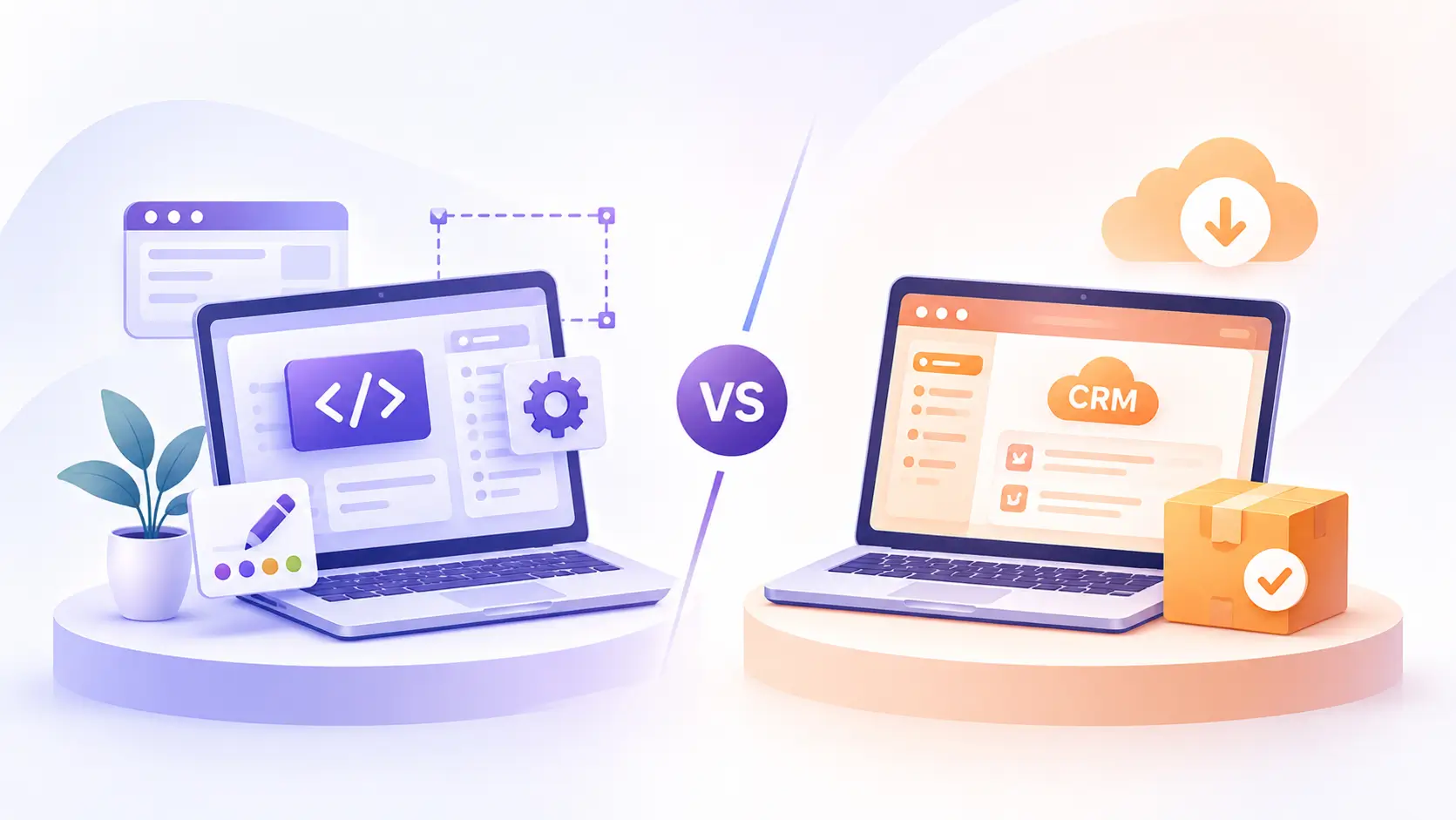
Choosing between custom CRM development and a ready-made CRM is one of the biggest software decisions a growing business faces. Your CRM holds your customer data, shapes your sales process, and affects how your team works every day. If you pick the wrong one, you may pay for it in lost time, higher costs, and frustrated staff.
So which option fits your business? In this guide, we compare both approaches on cost, flexibility, speed, security, and scalability. By the end, you will know which path suits your goals.
A ready-made CRM is software you subscribe to and use right away. Popular examples include HubSpot and Salesforce. The vendor builds, hosts, and updates the product. You simply sign up, configure it, and start working.
Ready-made tools usually come with contact management, sales pipelines, email tracking, and basic reports. Moreover, most offer a marketplace of add-ons. This makes them a popular choice for startups and small teams.
Custom CRM development means building a CRM from scratch around your exact needs. A development team designs the workflows, screens, data structure, and integrations to match how your business actually runs.
You own the code. You also decide which features exist and which do not. As a result, you never pay for tools you will not use, and you never bend your process to fit someone else’s software.
| Factor | Ready-Made CRM | Custom CRM |
|---|---|---|
| Setup speed | Days to weeks | Weeks to months |
| Upfront cost | Low | Higher |
| Long-term cost | Grows with users and add-ons | Mostly fixed after build |
| Flexibility | Limited to vendor features | Fully tailored |
| Integrations | Pre-built, sometimes restricted | Built around your tech stack |
| Data ownership | Stored on vendor platform | Fully yours |
| Scalability | Plan-based limits | Designed for your growth |
| Maintenance | Handled by vendor | Handled by you or your partner |
A ready-made CRM works well in several situations. For example, you might be a small team with a simple sales process. Alternatively, you may need to launch within a few weeks. A standard tool is also sensible when your budget is tight and your needs are common.
If your process looks like most other businesses, a ready-made option can serve you well for years.
Custom CRM development becomes the better investment in these cases:
Industries such as healthcare, finance, and real estate often fall into this group. Their compliance rules and customer journeys rarely fit a one-size-fits-all tool.
Many buyers compare only the first-year price. That is a mistake.
A ready-made CRM looks cheap at first. However, you pay every month, and the bill grows with each new user, premium module, and integration. Over three to five years, those costs can pass the price of a custom build.
Custom CRM development asks for more money upfront. In return, you pay mainly for maintenance and new features after launch. Therefore, you should compare the total cost of ownership over several years, not just the first invoice.
Your CRM should never sit alone. It needs to share data with your website, store, accounting tools, and support systems.
Ready-made platforms offer many integrations, but some are limited or locked behind higher plans. A custom CRM, on the other hand, connects exactly where you need it. For instance, our guide on how to integrate Shopify with ERP systems shows how much smooth data flow matters between business tools.
We also saw this in practice with the SS Signs custom Shopify app. That project connected instant pricing, artwork setup, and production into one streamlined workflow. A tailored system like this removes manual steps that off-the-shelf tools often leave behind.
With a ready-made CRM, your customer data lives on the vendor’s servers. You rely on their security practices and their policies.
With a custom build, you choose the hosting, encryption, user roles, and audit rules. This level of control matters for regulated industries. It also gives you peace of mind about who can see your data.
The right stack depends on your needs, team, and budget. Common choices include:
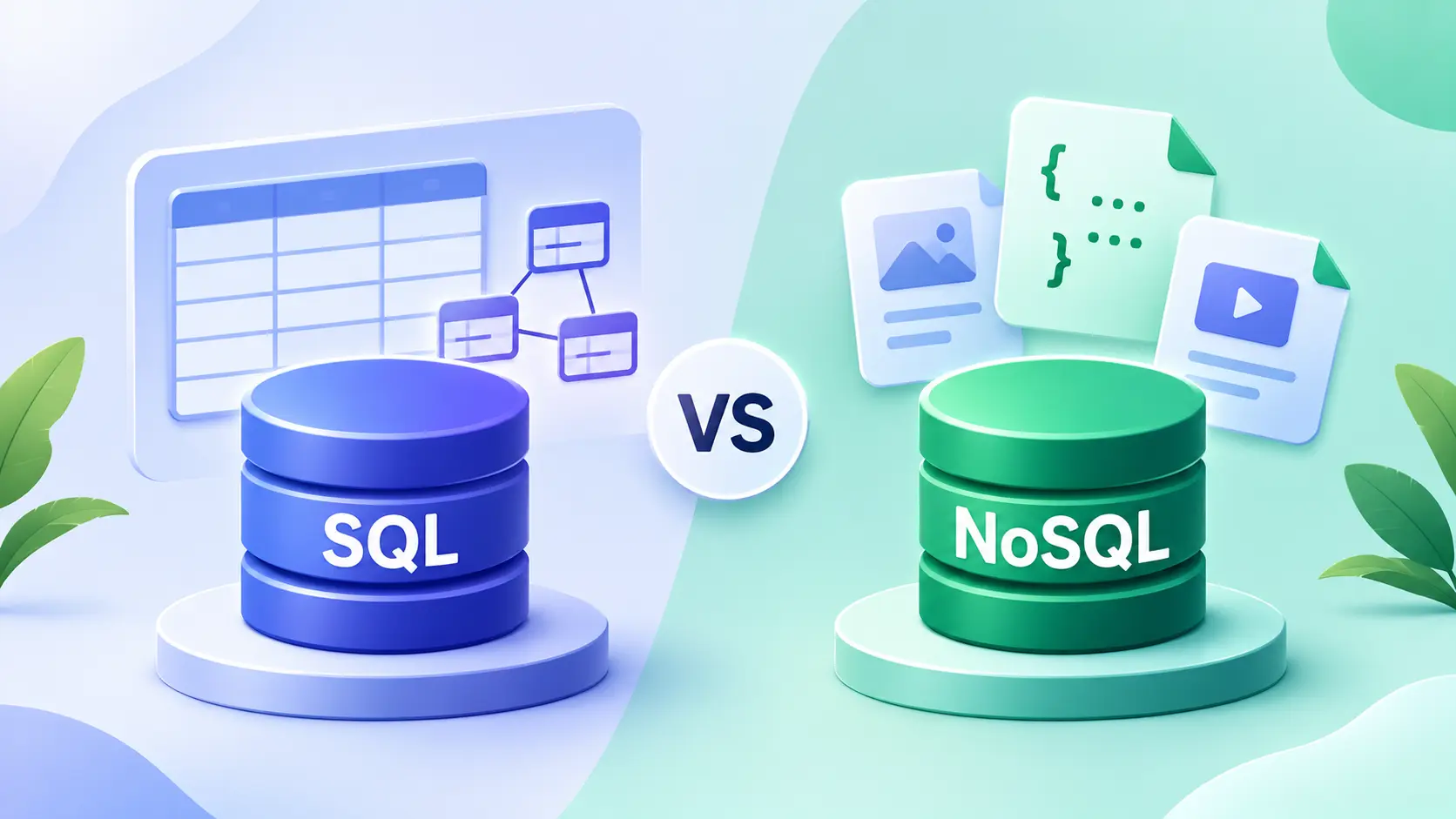
Your database choice also matters. If you are unsure, read our breakdown of the difference between SQL and NoSQL databases before you plan your architecture.
Modern CRMs do more than store contacts. With the right build, they can score leads, predict churn, draft follow-ups, and answer routine customer questions.
Custom CRM development makes this much easier. You can add AI and machine learning solutions or AI agents directly into your workflow, instead of waiting for a vendor to release a similar feature.
You do not always have to choose one extreme. Some businesses start with a ready-made CRM and add custom modules, integrations, or a branded portal on top. This hybrid route lowers risk and still gives you room to grow.
It works well when 80% of your needs are standard and only a few workflows are special. Later, if you outgrow the platform, you can plan a full migration.
Ask yourself these questions:
If you answered “yes” to the first two and “no” to the rest, a ready-made CRM is likely enough. If the answers lean the other way, custom CRM development deserves a serious look.
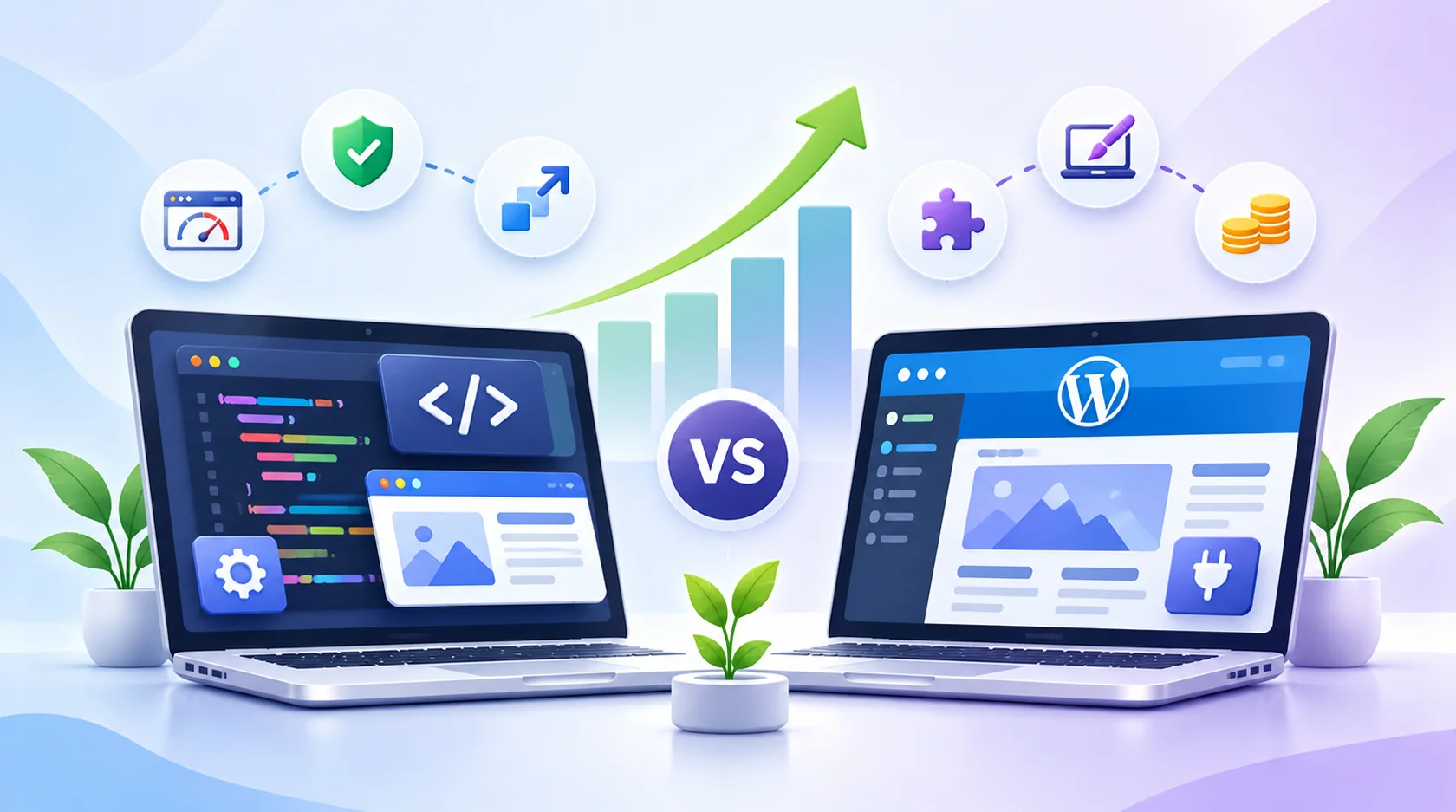
If you want a similar comparison for your public website, see our article on custom website development vs WordPress.
At AssaptR, our team builds secure, scalable software around real business goals. We offer custom web development services for dashboards and business platforms, and we also build mobile apps so your sales team can use the CRM on the go.
Our flexible engagement models fit different needs. You can choose a fixed price, hourly slots, or a dedicated team. If you already have a roadmap, you can hire Laravel developers or hire Python developers to extend your own team.
Not sure which route to take? Contact our team or schedule a free call. We will review your process and recommend the most practical option.
It costs more upfront. However, over several years it can cost less, because you avoid recurring per-user fees and paid add-ons.
It depends on scope. A focused MVP may take a few weeks to a few months, while a complex system with many integrations takes longer.
Yes. Most platforms let you export contacts, deals, and history. A good development partner will plan the data migration carefully so you do not lose records.
It can be, because you control hosting, access, and encryption. Security still depends on good development practices and regular maintenance.
Most small businesses with standard processes do well with a ready-made CRM. Custom CRM development makes more sense when workflows are unique, or when growth makes licence costs too high.
There is no single winner in the custom CRM development vs ready-made CRM debate. A ready-made CRM gives you speed and a low starting cost. Custom CRM development gives you control, flexibility, and long-term value.
Look at your process, budget, team size, and growth plans. Then choose the option that supports where your business is going, not just where it is today.
Neha is a web technology enthusiast and content contributor at AssaptR, specializing in software development, custom web solutions, eCommerce, and digital marketing. Her articles focus on the latest industry trends, best practices, and actionable strategies that help businesses build secure, scalable, and high-performing digital products.
3. What Is Custom CRM Development?
4. Custom CRM Development vs Ready-Made CRM: Quick Comparison
5. Pros and Cons of a Ready-Made CRM
6. Pros and Cons of Custom CRM Development
7. When a Ready-Made CRM Is the Smarter Choice
8. When Custom CRM Development Pays Off
9. Cost: The Part Most Businesses Get Wrong
10. Integration and Scalability
11. Security and Data Ownership
12. Which Technology Stack Works Best for a Custom CRM?
14. A Middle Path: Customise a Ready-Made CRM
15. How to Decide: A Simple 5-Question Checklist
WhatsApp us