
- Services
- Services
-
- Hire a Team
-
- Industry
- Company
- Company
-
- Case Study

At first, a Shopify store runs fine on its own. Orders arrive, stock updates, and your team ships boxes. Then growth adds warehouses, wholesale accounts, accounting rules, and more sales channels. Suddenly your team copies orders into spreadsheets and fixes stock counts by hand.
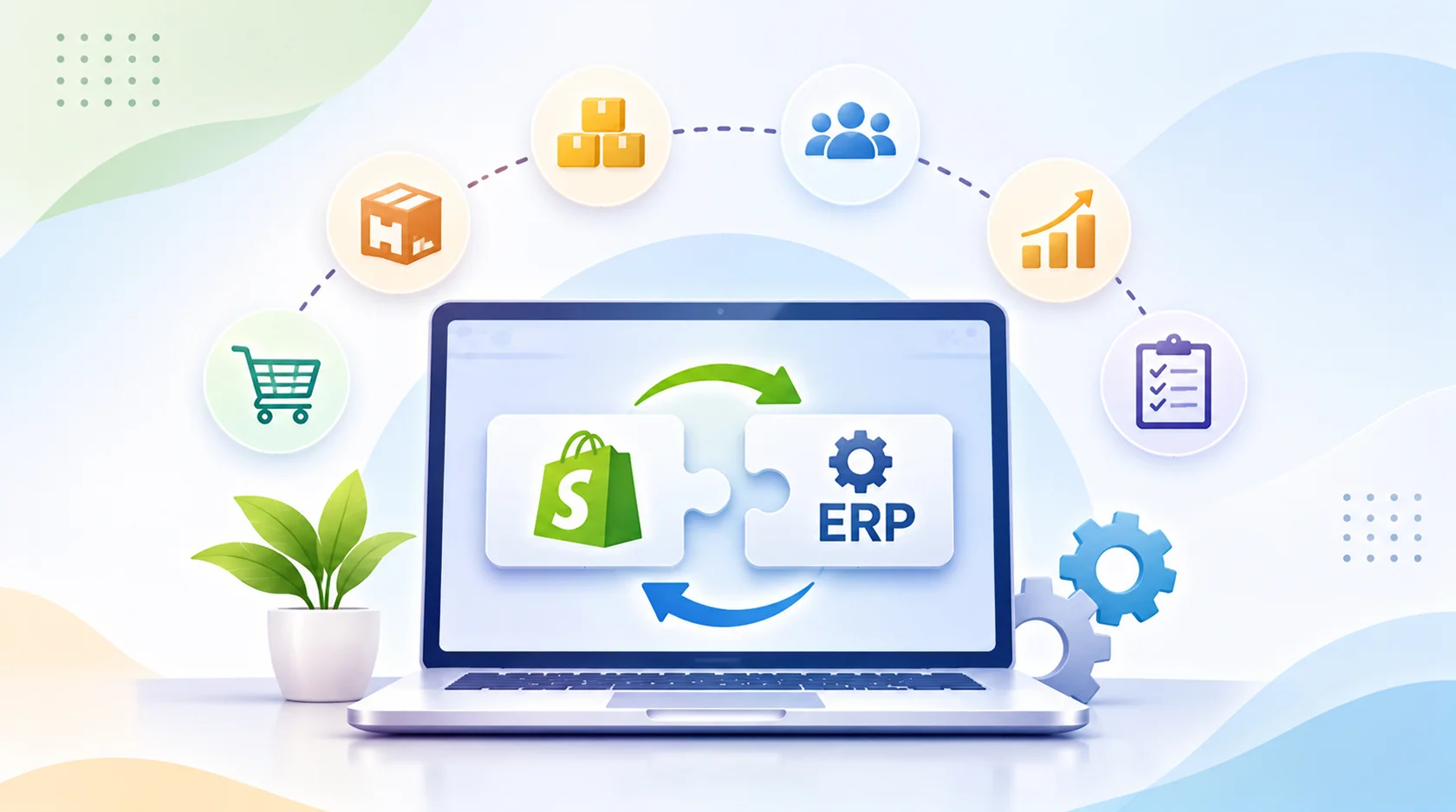
That is the moment to connect your store to your ERP. This guide explains Shopify ERP integration in plain language. First, you will see the three ways to connect the systems. Next, you will learn what data flows, what it costs, and where projects go wrong. Non-technical owners get clear takeaways, and developers get the technical details.
Quick answer: Shopify ERP integration connects your store to your ERP so orders, inventory, prices, and customers sync automatically. You can use a certified connector, an iPaaS platform, or a custom API build. Simple setups can go live in a few weeks, while complex ones take months. Start by mapping your data and deciding which system owns each field.
An ERP, or enterprise resource planning system, runs the back office. It handles accounting, purchasing, inventory, and often manufacturing or wholesale. Shopify ERP integration links that system to your storefront so both share the same facts.
In plain terms, Shopify is the shop window and the cash register. The ERP is the warehouse ledger. Integration keeps both books in agreement without anyone retyping data.
Every integration decides who owns what. This table shows a common setup.
| Data | Usual direction | Usual system of record |
|---|---|---|
| Products and SKUs | ERP to Shopify | ERP or PIM |
| Prices and price lists | ERP to Shopify | ERP |
| Inventory levels | ERP to Shopify | ERP or WMS |
| Orders | Shopify to ERP | Shopify, then ERP |
| Customers and accounts | Both ways | Depends on your rules |
| Fulfillment and tracking | ERP or WMS to Shopify | ERP or WMS |
| Refunds and returns | Shopify to ERP | Shopify, then ERP |
When the systems agree, several things improve:
Consider integration if staff copy orders by hand, stock counts drift, or month-end close takes days. Likewise, it helps when you sell wholesale, run several warehouses, or add marketplaces.
Every project falls into one of three patterns. They are a prebuilt connector app, an integration platform known as iPaaS, or a custom integration built on Shopify’s APIs. The choice often matters more than the ERP brand. Our own comparison below keeps it simple.
A connector is an app that links Shopify to one specific ERP. Shopify’s Global ERP Program lists certified connectors for NetSuite, Business Central, Acumatica, Brightpearl, and Infor. You install the app, map fields, and test.
Connectors are fast and affordable. However, they have limits. One guide says native apps handle roughly 75 to 80 percent of standard use cases, while the rest involves B2B pricing tiers, bundles, multi-warehouse routing, or custom tax rules. Treat that figure as a rough guide, and test with your real catalog first.
An iPaaS is cloud software that sits between Shopify and your other systems. It suits multi-channel sellers who connect three or more systems, such as store, ERP, marketplace, and 3PL. Popular platforms include Celigo, Boomi, Workato, and Jitterbit. As a result, you get central monitoring and error handling, though you pay a subscription.
A custom build uses Shopify’s APIs and your ERP’s APIs directly. It suits legacy or heavily modified ERPs where nothing off the shelf fits, and it gives complete control at the highest cost. You also own the maintenance.
| Approach | Best for | Main trade-off |
|---|---|---|
| Certified connector | Standard flows, single ERP | Less flexible |
| iPaaS | Several systems, custom mappings | Subscription plus setup |
| Custom API | Complex, high-volume, unique rules | Highest cost and upkeep |
Many teams blend them. For example, a connector handles the standard flows, while a small custom layer covers special rules. Also ask vendors for case studies on your exact platform pair, because Shopify-to-NetSuite and Magento-to-SAP are different builds.
No ERP wins for everyone. Match the system to your size and complexity.
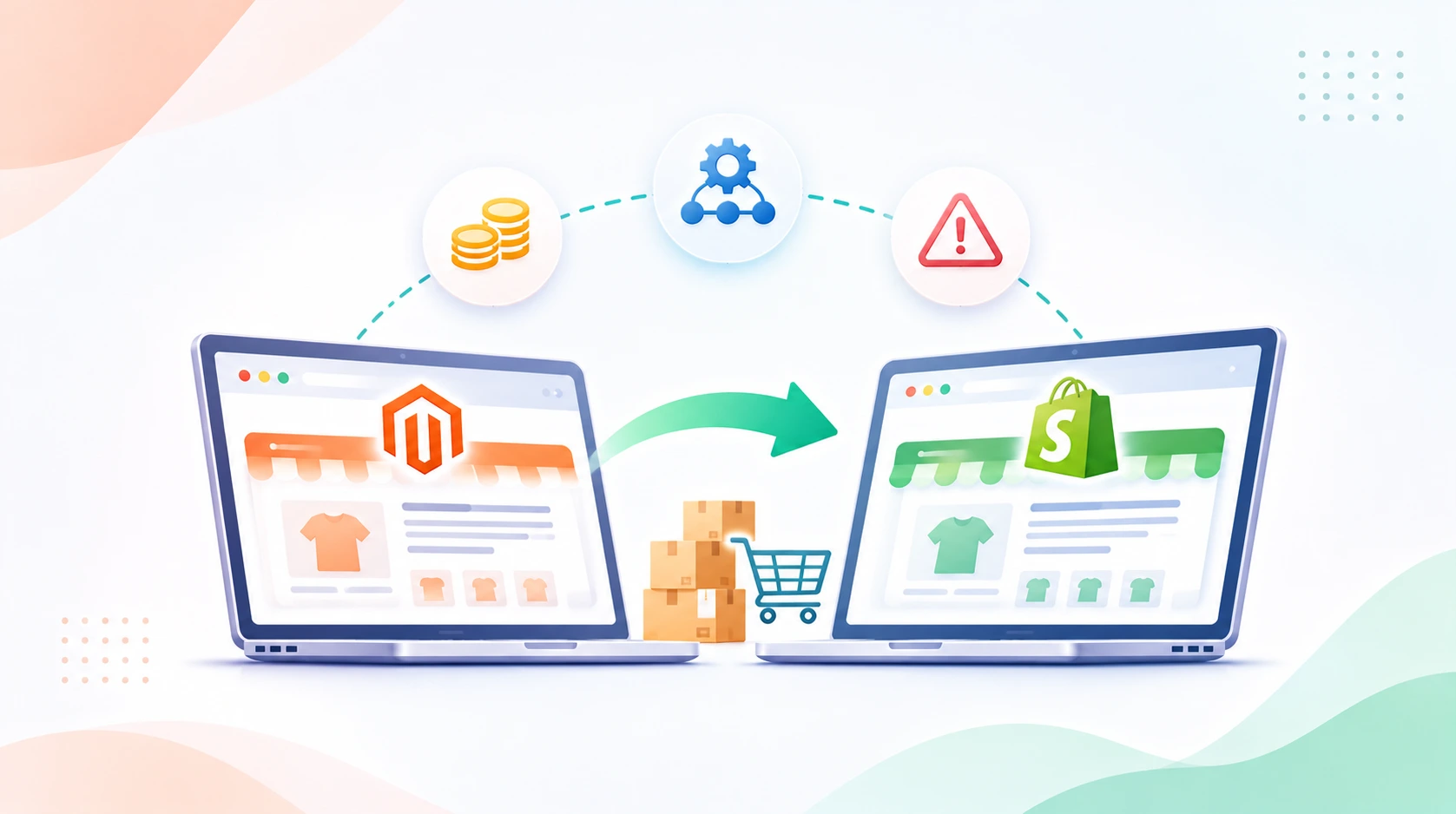
If you already own an ERP, you do not need to switch. Instead, check which integration options exist for your current system. Moving platforms first, such as in a Magento to Shopify migration, is a separate project, so plan it before the ERP link.
When a customer pays, Shopify creates an order. A webhook or connector then sends it to the ERP, which creates the sales order, reserves stock, and triggers fulfillment. Later, tracking details flow back to Shopify, and the customer gets a shipping email.
The ERP usually owns stock and price lists. Therefore, changes push from the ERP to Shopify. For multi-location stores, each Shopify location maps to an ERP warehouse. Run regular reconciliation jobs too, so small gaps never grow.
Every good project starts with discovery. List your data flows, decide the system of record for each field, and map SKUs, tax codes, customer IDs, and payment methods. Skipping this phase causes most later problems.
Next, configure the connector or build the integration. Then test with real products and edge cases, such as partial refunds, split shipments, bundles, and backorders. Test failure paths too, because that is where bugs hide.
Finally, launch in a quiet period and watch closely. Track failed syncs, order delays, and inventory differences daily at first. Then set alerts, so your team hears about problems before customers do.
Treat the GraphQL Admin API as your default, and keep the legacy REST API only for compatibility. Webhooks form the backbone of scalable, event-driven integrations. Integrations should react to changes through webhooks instead of polling, and with API version 2026-10, Shopify made Next Gen Events, the successor to classic webhooks, generally available on October 1, 2026.
Here is a trimmed example of a secure webhook receiver:
import crypto from “crypto”;
import express from “express”;
const app = express();
app.post(
“/webhooks/orders-create”,
express.raw({ type: “application/json” }),
(req, res) => {
const hmac = req.get(“X-Shopify-Hmac-Sha256”) || “”;
const digest = crypto
.createHmac(“sha256”, process.env.SHOPIFY_API_SECRET)
.update(req.body)
.digest(“base64”);
const valid =
hmac.length === digest.length &&
crypto.timingSafeEqual(Buffer.from(digest), Buffer.from(hmac));
if (!valid) return res.sendStatus(401);
// Queue the order for the ERP, then reply fast
res.sendStatus(200);
}
);
GraphQL uses a cost-based system. One guide reports a default bucket of 2,000 cost points per app per shop, restoring at 100 points per second, with Plus shops getting ten times more. Always use exponential backoff with jitter when you hit limits. For large exports, use bulk operations for anything above roughly 10,000 rows instead of paging through data synchronously. Nightly bulk exports also help catch inventory discrepancies.
Webhooks can arrive twice or out of order. Therefore, make every ERP write idempotent, using the order or event ID as a unique key. In addition, log every sync with clear error messages.
API versions also change. Shopify releases a new API version every quarter and supports each for at least 12 months, so schedule upgrades. Pin your API version explicitly, instead of letting it default. If your team writes the middleware in Node.js or Python, our guide to Node.js vs Python for backend development can help you pick.
Costs vary widely by approach, so treat these figures as ballparks. Sources differ, because scope differs.
| Approach | Typical setup | Ongoing cost |
|---|---|---|
| Simple connector | $0 to $8,000 for a single channel with standard mapping | Subscription |
| Native ERP connector | About $5,000 to $15,000 for installation, mapping, and testing | About $2,000 to $6,000 per year |
| iPaaS | About $15,000 to $50,000 for a standard Celigo deployment | Roughly $600 to $1,200 per month for the base platform |
| Custom API | About $20,000 to $100,000 or more | You own maintenance |
For heavy NetSuite builds, one guide puts custom RESTlet and SuiteScript projects at $80,000 to $150,000 and 12 to 24 weeks or more.
One guide estimates three to ten weeks for iPaaS and eight to twenty-four weeks for a custom API layer. Simple connector setups can go live in two to four weeks. Complex multi-store builds take longer.
If you need extra capacity, you can hire Shopify developers to build or maintain the integration.
If SKUs differ between Shopify and the ERP, syncs fail. Clean and standardize SKUs before you connect anything. Also decide how bundles, variants, and discontinued items behave.
Slow syncs cause overselling during busy sales. Use event-driven updates and safety stock buffers. Reconcile inventory regularly as well.
Wholesale prices, tax rules, and payment terms often break simple connectors. Check these cases early. If a connector cannot handle them, add a small custom layer or move to iPaaS.
Two systems editing the same field create conflicts. Assign one system of record per field, and write conflict rules down.
Silent failures hurt most. Add alerts, retry queues, and a dashboard for failed syncs. Then give your operations team a simple way to fix and replay errors.
Compare providers with this checklist:
Our guides on choosing a Shopify development company, choosing a backend development company, and choosing a custom software development company in the USA cover vendor vetting in depth.
First, map your data flows and decide which system owns each field. Then choose a certified connector, an iPaaS platform, or a custom API build. Finally, test with real orders and monitor after launch. Our team can guide you through Shopify ERP integration from planning to support.
Costs range from a few thousand dollars for a simple connector to well over $100,000 for complex custom builds. Scope, ERP, order volume, and custom rules drive the price. At AssaptR, we start with a clear scope and give you an itemized estimate. Schedule a free call to review your setup.
Simple connectors can take two to four weeks. iPaaS projects often take three to ten weeks. Custom builds take longer, sometimes several months. A discovery phase gives you a realistic timeline.
It depends on your size and needs. NetSuite and Acumatica suit multi-channel retail and distribution. Business Central suits Microsoft-based teams. Odoo suits tighter budgets. Because AssaptR works across Shopify and backend systems, we can help you compare options honestly.
Use a connector for standard flows with one ERP. Choose iPaaS when you connect several systems or need central monitoring. Pick custom when your rules are unusual or your volume is high. Many businesses combine two approaches.
Usually yes. If no connector exists, developers can build middleware that talks to the ERP’s API, database, or file exports. Older systems may need extra work, so share your ERP details early.
AssaptR offers Shopify development services and custom web development services, so one team can handle both your storefront and the backend work around it. We also support design, SEO, and conversion improvements. Review our case studies and see how we support retail businesses.
Yes. If you already have a team, you can add skilled developers to it. AssaptR offers flexible options to hire Shopify developers or explore our wider hire talent options.
Start with a short conversation. Schedule a free call or use our contact page to share your ERP, order volume, and goals. Then we will help you shape the scope and suggest the next step.
Shopify ERP integration removes manual work, keeps stock accurate, and gives your finance team clean data. The best results come from a clear plan. Map your data first, choose the approach that fits your complexity, and build in testing and monitoring from day one.
Do not pick a tool before you know your flows. A connector, an iPaaS, and a custom build can all succeed, but only when they match your real needs.
AssaptR helps growing brands build and connect their eCommerce stack. Explore our Shopify development services, contact our team, or schedule a free call to plan your integration.
Neha is a web technology enthusiast and content contributor at AssaptR, specializing in software development, custom web solutions, eCommerce, and digital marketing. Her articles focus on the latest industry trends, best practices, and actionable strategies that help businesses build secure, scalable, and high-performing digital products.
2. What Is Shopify ERP Integration, and Why Does It Matter?
3. Three Ways to Integrate Shopify With ERP Systems
3.1. Certified and Prebuilt Connectors
3.4. Which Approach Should You Choose?
4. Which ERP Systems Work Best With Shopify?
5. How Shopify ERP Integration Works: Data Flows and Process
5.3. Discovery and Data Mapping
5.4. Build, Configure, and Test
6. Technical Best Practices for Developers
6.2. Respect Rate Limits and Bulk Operations
6.3. Build for Retries and Versions
7. Shopify ERP Integration Cost and Timeline
8. Common Challenges and How to Solve Them
8.1. Messy Product and SKU Data
8.2. Inventory Delays and Overselling
8.3. B2B Pricing, Taxes, and Special Rules
WhatsApp us