
- Services
- Services
-
- Hire a Team
-
- Industry
- Company
- Company
-
- Case Study

Getting visitors to your WooCommerce store is only the first step. The harder part is getting them to finish checkout. Picture a shopper who compares products, adds one to the cart, and even opens the checkout page. Then they leave without paying.
That is cart abandonment, and it quietly drains revenue from many online stores. If your store gets plenty of traffic but converts poorly, abandoned carts are a likely cause.
Fortunately, many of the reasons behind them are fixable. A smoother checkout, transparent costs, flexible payments, faster pages, stronger trust signals, and recovery emails can all lift your conversions.
In this guide, you’ll learn how to reduce cart abandonment in WooCommerce with 12 practical strategies. We’ll also cover how to measure the problem and which plugins can help.
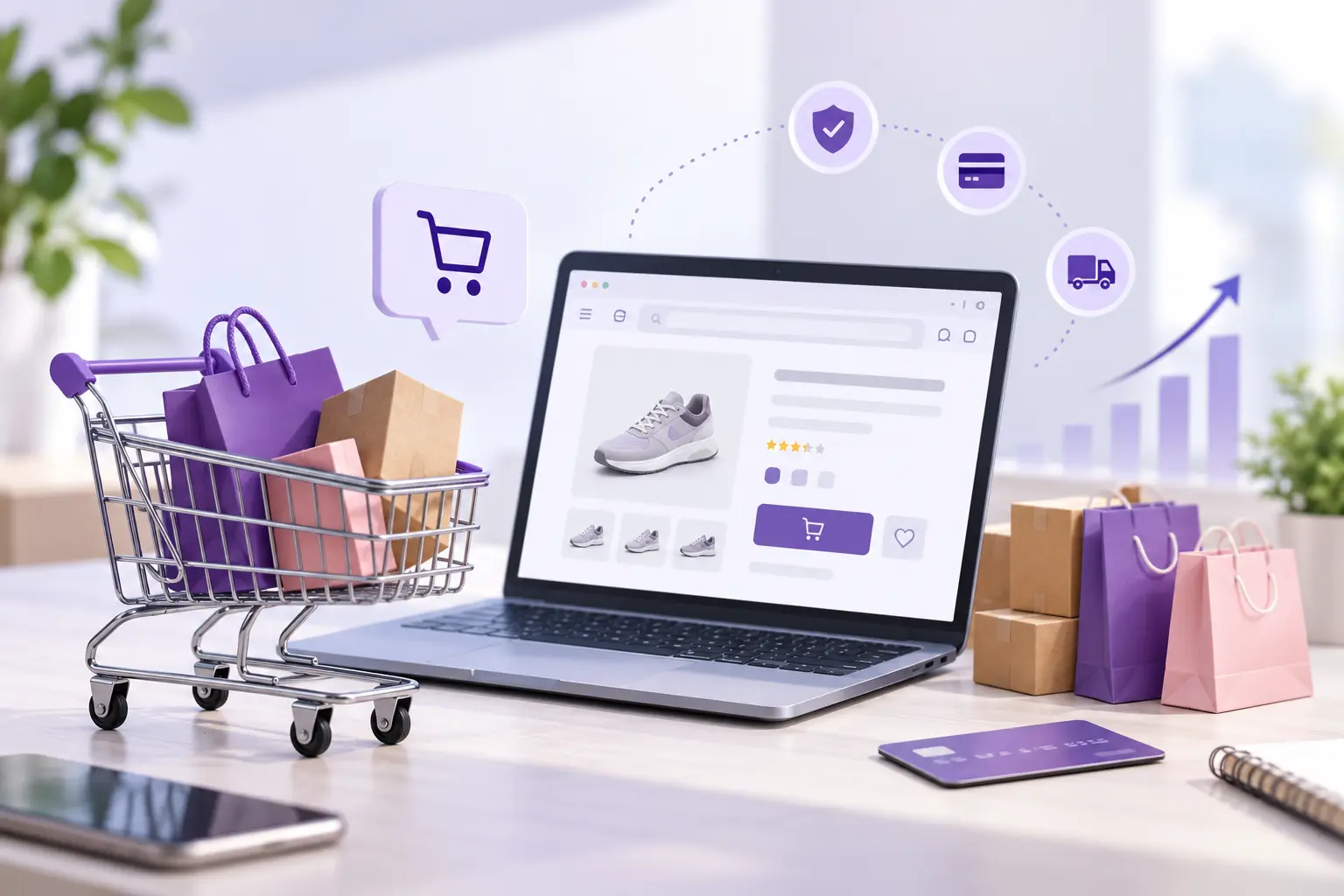
Cart abandonment happens when a shopper adds products to their cart but leaves before paying. For example, a typical journey looks like this:
The order is now considered abandoned.
A high abandonment rate often points to friction somewhere in the buying journey. However, not every abandoned cart signals a problem. Some people are only researching, comparing prices, or waiting for payday.
Therefore, the goal is not to eliminate abandonment completely. Instead, aim to spot the preventable cases and make checkout effortless for interested buyers.
Before looking at solutions, it helps to understand the causes. Shoppers usually leave because of:
As a store owner, your first job is to find out which of these affects your own shoppers. Once you know, you can fix the biggest leaks first.
Simplifying checkout is one of the most effective ways to reduce cart abandonment in WooCommerce. Shoppers don’t want to fill out unnecessary information. Too many fields, extra steps, and distractions all create friction.
How to simplify WooCommerce checkout
Start by removing every field that isn’t essential. For instance, a store selling digital products can drop the shipping address, company name, and delivery notes. Physical stores, on the other hand, should only ask for what payment and delivery truly require.
In addition, you can:
If your theme limits what you can change, a WordPress development team can customize the checkout template for you.
Why checkout optimization matters
Your checkout page has one job: helping the buyer complete the order. For that reason, avoid popups, promotional banners, and heavy navigation menus that pull attention away.
Forcing shoppers to create an account adds friction. Many only want a single purchase, and they don’t want another password to remember. Fortunately, WooCommerce lets you turn on guest checkout.
How to enable guest checkout in WooCommerce
Go to WooCommerce → Settings → Accounts & Privacy. Then adjust the account creation and guest checkout options to suit your store.
You can still invite buyers to register after they pay. For example, add this message to the confirmation page:
“Create an account to track your orders and check out faster next time.”
As a result, the purchase happens first, and account creation is no longer a barrier.
Unexpected costs are among the biggest causes of checkout drop-off. Imagine a shopper who sees a $50 product and decides to buy. Then they discover $15–$20 in shipping at checkout. Many will reconsider.
That is why transparent pricing is a core WooCommerce checkout best practice.
To avoid surprises, you can:
For example, “Free shipping on orders over $75” is far clearer than revealing charges at the last step.
A threshold also nudges shoppers to spend more. Try a message such as “Add $15 more to unlock free shipping.” This reduces friction and raises order value at the same time.
Speed directly affects the shopping experience. If product, cart, or checkout pages load slowly, shoppers leave. Mobile users feel this most, since they often have slower connections.
Begin with these steps:
However, don’t test only your homepage. Check product pages, the cart, checkout, account pages, and search results too. Checkout deserves the most attention because buyers are closest to converting there.
Many shoppers find a store through Google, Instagram, or an ad, and then buy entirely from their phone. If checkout isn’t built for small screens, they will struggle with tiny fields, hard-to-tap buttons, and slow loading.
Make sure that:
A responsive theme alone doesn’t guarantee a good experience. So test the full purchase journey on several real devices. If you need design help, our responsive web design services and eCommerce web design services cover exactly this.
Buyers have different payment habits. Some prefer cards, while others want digital wallets, bank transfers, Buy Now Pay Later, or local methods. If your store lacks their preferred option, they may simply leave.
Consider offering relevant methods such as:
You don’t need every method. Instead, look at where your buyers live and which options they use most.
Shoppers need confidence before sharing payment details. This is especially true for first-time buyers, who may not know your brand yet.
The most effective signals include:
A short reassurance near the payment section also helps, such as “Your payment information is securely processed.” That said, keep it genuine. A page crowded with badges can look less trustworthy, not more.
Before ordering, shoppers often wonder:
When they can’t find answers quickly, they tend to postpone or abandon the order. Therefore, write a clear policy and link to it from product pages, the cart, checkout, the footer, and your FAQ. Clear policies reduce doubt and speed up decisions.
You can’t prevent every abandoned cart. That is where WooCommerce abandoned cart recovery comes in. With email automation, you can remind shoppers about the items they left behind.
What should a recovery email include?
A strong email contains a product image, name, price, cart link, clear call to action, support details, and a relevant incentive. Above all, keep it short and make returning to checkout a single click.
You can also pair emails with remarketing. Our PPC marketing services can bring cart abandoners back through targeted ads.
A focused checkout converts better. Too many distractions give shoppers reasons to leave. So remove unnecessary popups, navigation links, banners, complicated menus, and product recommendations.
However, checkout doesn’t need to be bare. Helpful elements such as delivery information, support contact, security notes, the return policy, and an order summary should stay. In short, remove what distracts and keep what reassures.
People feel safer buying when others have had good experiences. Social proof matters most for shoppers who don’t know your brand yet.
Useful forms include:
Place reviews directly on product pages instead of making shoppers hunt for them. For higher-priced items, add detailed testimonials that address common worries. You can see how we present results in our case studies and client testimonials.
Exit-intent technology detects when a visitor is about to leave. At that moment, you can show a relevant offer, such as “Before you go, get 10% off your first order.”
Other options include free shipping, an email signup, product help, or a limited-time promotion. Still, avoid aggressive popups that appear again and again. Constant interruptions create friction instead of removing it. Finally, measure the effect on conversions before scaling the tactic.
You can’t optimize what you don’t measure. Track the whole journey, from product view to payment. These are the key metrics:
Cart Abandonment Rate
Shoppers who abandon their carts represent the percentage of customers who add products but don’t complete their purchases.
Checkout Abandonment Rate
Customers reaching checkout without completing payment contribute to the checkout abandonment rate.
Conversion Rate
Visitors who complete a purchase determine the overall conversion rate.
Average Order Value
AOV helps you understand how much customers spend per completed order.
Cart Recovery Rate
Successfully recovered abandoned carts determine the cart recovery rate through emails, remarketing, or other campaigns.
Different plugins support different parts of the process. Here are five worth considering:
When choosing, avoid installing several plugins that do the same job. Otherwise, you add maintenance work and may slow your site. If you need custom functionality instead, you can hire WordPress developers to build it.
Use this checklist when auditing your store:
| Optimization Area | What to Check |
|---|---|
| Checkout | Is the process simple? |
| Guest Checkout | Can customers purchase without an account? |
| Shipping | Are costs clearly displayed? |
| Payment | Are preferred payment methods available? |
| Speed | Does checkout load quickly? |
| Mobile | Is checkout easy to use on smartphones? |
| Trust | Are security and return information visible? |
| Forms | Are unnecessary fields removed? |
| Cart Recovery | Are abandoned-cart emails configured? |
| Reviews | Are genuine reviews visible? |
| Support | Can customers easily get help? |
| Testing | Are checkout issues regularly tested? |
Different plugins support different parts of the process. Here are five worth considering:
When choosing, avoid installing several plugins that do the same job. Otherwise, you add maintenance work and may slow your site. If you need custom functionality instead, you can hire WordPress developers to build it.
Here is a quick recap:
There isn’t one universal solution. Start by identifying where customers are dropping out of the purchasing journey. Common improvements include simplifying checkout, offering guest checkout, displaying costs transparently, improving website speed, providing preferred payment methods, and implementing abandoned-cart recovery.
Customers may abandon carts because of unexpected costs, complicated checkout forms, slow websites, limited payment options, poor mobile experiences, security concerns, unclear return policies, or technical problems.
You can use automated abandoned-cart emails, remarketing campaigns, personalized offers, and recovery links that return customers directly to their carts.
Yes. Slow-loading pages can create friction throughout the shopping journey. Optimizing images, scripts, caching, hosting, and third-party integrations can help create a faster checkout experience.
Not necessarily. Offering guest checkout can reduce friction for first-time customers. You can invite customers to create an account after the purchase instead.
Use responsive layouts, simple forms, large touch-friendly buttons, fast-loading pages, clear error messages, and mobile-friendly payment methods. Test the complete checkout journey on real mobile devices.
Learning how to reduce cart abandonment in WooCommerce comes down to understanding your shoppers and removing obstacles. Start with the changes that matter most: checkout simplicity, pricing transparency, speed, mobile usability, payment flexibility, and trust. Then use analytics to find where people leave, and keep testing.
Keep in mind that one big problem rarely causes abandonment. More often, small issues add up. An unexpected shipping fee, a confusing form, a slow page, or a missing payment method can together block a sale.
If your store gets traffic but doesn’t convert enough visitors, a WooCommerce conversion optimization audit can reveal technical, UX, performance, and checkout issues. You may also want to explore our eCommerce SEO services to bring in more qualified buyers.
Looking to improve your WooCommerce store? Talk to our team. Our specialists can audit your checkout, improve performance, and implement conversion-focused changes. Alternatively, you can hire a WooCommerce expert directly.
Neha is a web technology enthusiast and content contributor at AssaptR, specializing in software development, custom web solutions, eCommerce, and digital marketing. Her articles focus on the latest industry trends, best practices, and actionable strategies that help businesses build secure, scalable, and high-performing digital products.
2. What Is WooCommerce Cart Abandonment?
3. Why Customers Abandon WooCommerce Carts
4. Simplify WooCommerce Checkout
8. Optimize WooCommerce for Mobile
9. Offer Multiple Payment Options
11. Improve Return & Refund Visibility
13. Reduce Checkout Distractions
14. Use Reviews & Social Proof
16. Measure WooCommerce Cart Abandonment
17. Find Checkout Drop-Off Points
18. WooCommerce Cart Abandonment Checklist
19. Best WooCommerce Cart Recovery Plugins
20. 12 Ways to Reduce Cart Abandonment


WhatsApp us